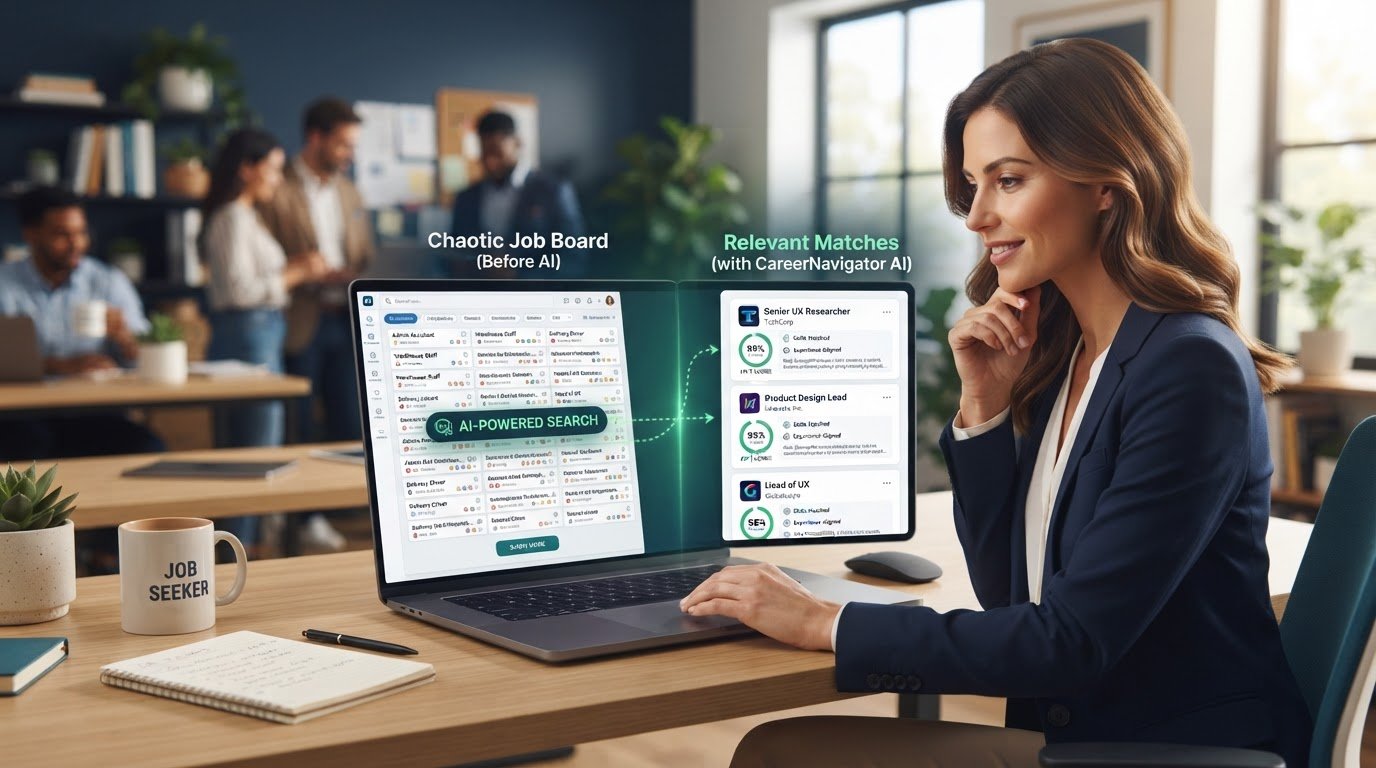
best ai job search tools use machine learning to match candidates to open roles based on resume content, stated preferences, and skills — going beyond simple keyword search to score how well a listing actually fits a candidate’s background.
If you’ve spent hours on LinkedIn and Indeed, applied to dozens of jobs, and heard back from almost none, you already know the problem. Those platforms show you something. But “something” isn’t the same as “the right thing.”
A 2026 hands-on comparison of AI job search tools found something uncomfortable: most platforms that call themselves “AI-powered” are still doing basic keyword matching. They just relabeled it. Genuine fit-scoring — where the tool actually explains why a job matches your specific background — is surprisingly rare.
This guide covers the best AI job search tools in 2026 that actually do what they claim. It does NOT address interview prep tools, resume-only builders, or general-purpose AI like ChatGPT for job hunting — those are separate categories for a different guide.
What “AI-Powered” Actually Means in 2026
Here’s the distinction that matters.
Keyword matching scans your resume for words that appear in a job description. If you have “project management” and the listing says “project management,” you get a match. This is what most job boards have done for years. They just added an AI label.
Genuine fit-scoring evaluates your entire profile — skills, experience level, industry background, career trajectory — against the full context of a role. It doesn’t just check for word overlap. It asks: does this person actually make sense for this job?
The difference shows up immediately in your results. A real matching engine hands you a short list ranked by fit. A keyword matcher hands you the same flood of listings with a nicer button on top.
To use AI job search tools effectively:
- Upload a complete, updated resume
- Set specific role and location filters
- Compare match-score reasoning, not just percentages
- Cross-check top matches on the employer’s own site
- Apply within 48 hours of a new match
Quick Comparison: Best AI Job Search Tools 2026
| Tool | Best For | Key Benefit | Limitation |
| Discovery volume | Massive network + AI search expansion | Match reasoning is basic | |
| Indeed | Broad access | ChatGPT integration + huge database | Still largely keyword-driven |
| Teal | Organization + resume tailoring | Best-in-class tracker + generous free tier | AI is keyword-matching, not contextual |
| Jobright | Match quality + referrals | Detailed match scores + insider connections | U.S.-focused; beta auto-apply |
| AI Applyd | End-to-end automation | ATS scoring before apply + submission verification. | Auto-apply requires paid plan |
LinkedIn: The Discovery Engine
LinkedIn AI job search expanded significantly in January 2026. The platform now lets you search using natural language — type “I want to protect the world’s oceans” and it finds relevant roles without exact keyword matching. This is a real step forward from the old title-based search.
LinkedIn’s AI job search uses large language models fine-tuned with LinkedIn’s proprietary data to interpret your search and analyze millions of job descriptions. The job match feature is handy, and the new Job Tracker (available in the job tab under your profile) helps organize what you find.
For Premium users, LinkedIn also rolled out a Premium Apply Assistant in June 2026 that pre-fills applications and adds cover letters for suitable roles.
Where LinkedIn falls short: The matching is still discovery-focused, not fit-scoring. It helps you find more relevant roles, but it doesn’t tell you why you’re a good fit beyond surface-level alignment.
LinkedIn AI works better for volume and discovery because of its sheer listing count and network effects. But if you want genuine fit-scoring with reasoning, you’ll need a dedicated tool.
See our breakdown of the best AI job matching platform options to compare features, matching accuracy, and job-search capabilities.
Indeed: The ChatGPT Integration Play
Indeed’s 2026 move was strategic: they launched an Indeed App inside ChatGPT in February 2026, expanding to Australia and 50+ countries by April. Users can now launch a dedicated search experience directly from ChatGPT by mentioning @Indeed.
Indeed processes 140 million daily hiring signals and has long used AI for job recommendations and candidate matching. The ChatGPT integration lets job seekers search using natural language conversationally.
Where Indeed falls short: Like LinkedIn, Indeed’s AI is primarily about discovery and recommendation — not deep fit-scoring. The platform is vast, but “vast” doesn’t mean “precise.” You still get a lot of noise.
Indeed is stronger when you need breadth across a huge pool of aggregated listings. But for precision matching, dedicated tools do better.
Teal: The Organizer That Doesn’t Apply for You
Teal is the tool that job seekers actually recommend to each other. Over 4 million users. A Chrome extension rated 4.9/5 from 3,200+ reviewers. A 4.3/5 Trustpilot rating from verified reviews
What Teal does well:
- The resume builder is genuinely best-in-class — drag-and-drop sections, dozens of templates, AI tailoring that rewrites your resume to match specific job descriptions
- The job tracker functions as a CRM for your job search — track application status, save contacts, set reminders, maintain notes
- The free tier is generous: unlimited resume creation, unlimited job tracking, the Chrome extension, and a small allocation of AI credits
The catch: Teal’s AI quality is keyword-matching, not contextual. It extracts keywords from job descriptions and helps you sprinkle them into your resume. It doesn’t understand your career narrative.
The bigger catch: Teal organizes your job search beautifully. It does not do your job search. Every application you track in that kanban board is an application you still have to fill out and submit yourself. Teal acquired an auto-apply startup called Ramped in December 2025, but as of July 2026, nothing had shipped.
Teal+ runs $29/month or $79/quarter. The free tier is genuinely useful for light job seekers who don’t need heavy AI tailoring.
Teal is excellent for organized job seekers who want to track applications and tailor resumes. Just don’t expect it to submit a single application for you.
Learn how to track every application in one place and stay organized throughout your entire job search.
Jobright: The Match-Score Specialist
Jobright is the tool that leans hardest into the matching side. It builds match scores and AI-curated recommendations from your experience and skills, then adds a networking layer that surfaces potential referrals at target companies.
With over 2 million active users and a ~4.6/5 Trustpilot rating, Jobright has built its reputation primarily on matching quality.
What Jobright does well:
- Detailed match scores that actually explain why a role fits
- “Insider Connections” that surface LinkedIn alumni and employee contacts at companies you’re applying to.
- An H1B visa sponsorship filter that reviewers consistently single out as a real differentiator.
- A useful free tier with limited daily credits — genuinely enough to evaluate the matching quality before paying.
The limitations:
- U.S.-focused job listings only
- The auto-apply agent is still in beta
- Jobright does not publish a public pricing page — /pricing and /plans both 404
- Multiple 2026 reviews flag a price increase from about $29.99 to $39.99/month — roughly a 33% hike
Turbo (the paid tier) is reported at roughly $39.99/month, with weekly (~$17.99) and quarterly (~$89.99) options
Jobright is strongest when your priority is understanding why a role fits. If you’re in the U.S. and want match quality over automation, this is a serious contender.
AI Applyd: The End-to-End Automator
AI Applyd takes a different approach. It doesn’t just find matches — it scores your resume against ATS systems, matches you to the right roles, and sends applications automatically. Built-in resume builder, interview prep with role-specific questions, and real-time application tracking
Launched on Product Hunt in May 2026, AI Applyd positions itself as a full platform that replaces Jobscan, Huntr, Teal, and your spreadsheet.
What AI Applyd does well:
- Per-job ATS scoring tuned for the systems used by top job sites, with 10 free scores on the entry tier
- Auto-apply that verifies each submission actually registered on the employer’s hiring system and returns an honest errors count
- One platform that scores, tailors, applies, and tracks in a single dashboard
- Pricing transparency — something many competitors lack
The limitations:
- Auto-apply requires a paid plan
- Still a newer platform compared to Teal or Jobright
Pricing: Free tier with 10 ATS scores and 5 tailors per month. Paid plans start at $19.49/week (~71 apps/week).
AI Applyd wins on ATS match scoring before apply, enterprise ATS submission coverage, and pricing transparency. If you want applications submitted while you sleep, this is the tool to watch.
Discover more about AI tools to find jobs faster and how automation can streamline your job search from discovery to application.
Which AI Job Search Tool Should You Use in 2026?
The most effective 2026 job search approach combines a discovery platform like LinkedIn with a dedicated AI matching or tracking tool, since each covers a different part of the search loop.
Here’s the honest take: there’s no single “best” tool. It depends on your bottleneck.
If your problem is discovery — you’re not seeing enough relevant jobs — start with LinkedIn’s AI search or Indeed’s ChatGPT integration. Both give you massive reach with better-than-keyword discovery.
If your problem is organization — you’re applying to 30+ jobs and losing track — Teal is genuinely excellent. The free tier is generous, the Chrome extension is best-in-class, and the resume builder is the best in the category.
If your problem is match quality — you’re applying but not hearing back because the roles don’t actually fit — Jobright gives you the most detailed match reasoning. The U.S. focus is a limitation, but the match scores are among the most detailed available.
If your problem is volume — you need to apply to many roles efficiently — AI Applyd handles the end-to-end workflow. Just be realistic about what auto-apply can and cannot do.
What most guides skip is this: AI job-matching accuracy depends heavily on resume completeness. Vague or outdated resumes produce weaker matches regardless of how sophisticated the underlying model is. Before you blame the tool, check your resume.
The Test You Can Run Yourself
Here’s the originality angle: a testable criterion you can apply to any tool claiming “AI matching.”
Upload your resume to any platform. Look at the top three matches it gives you. Then ask:
- Does the tool explain why each job matches? Not just a percentage — actual reasoning about your skills, experience, and fit.
- Are the matches genuinely surprising? If the tool just shows you jobs with titles similar to your last role, it’s keyword matching.
- Do the matches improve over time? Real AI learns from your behavior. Keyword matchers don’t.
Run this test on any platform that claims to be AI-powered. Most will fail. The ones that pass are worth your time.
Voice Search / AEO Q&A
Q: What’s the best AI job search tool in 2026?
A: It depends on the bottleneck — some tools are best for discovery, others for genuine fit-scoring, and others for tracking applications.
Q: Are AI job matching tools actually accurate?
A: Accuracy varies widely; some platforms genuinely score fit with reasoning, while others simply relabel keyword matching as AI.
Q: Should I trust an AI match score over my own judgment?
A: Use it as a starting filter, not a final decision — always review the actual listing yourself.
Q: Can AI job search tools auto-apply for me?
A: Some can, but bulk auto-applying often produces lower-quality, less-tailored applications.
Q: How many job search tools should I use at once?
A: Most effective job seekers use three or four complementary tools rather than relying on one platform.